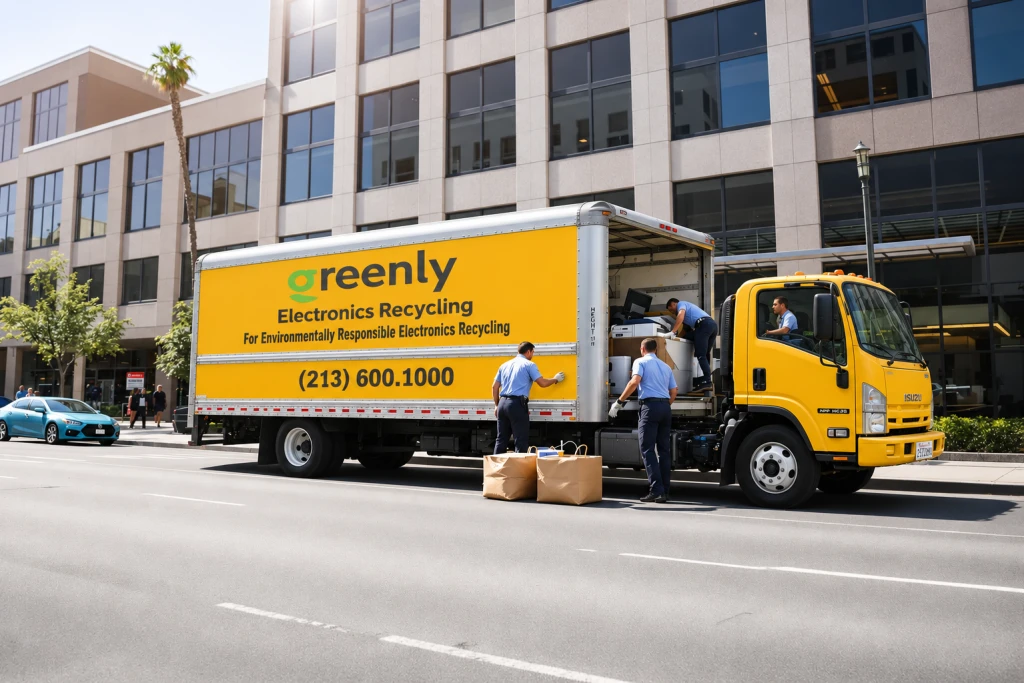
Give the cleanout an owner and a clear boundary
An office electronics cleanout in Los Angeles is easier to manage when one person coordinates the equipment list, internal approvals and collection details. Start with the rooms or departments included in the project. Clarify whether the work covers a single storage cupboard, a floor move or an entire office.
Tell staff what should remain in service. A labelled collection area helps prevent working equipment, personal devices or leased items from being removed by mistake. Set a date for department owners to flag equipment that needs review before the recycling collection is booked.
Build an inventory that answers practical questions
Record equipment by type and quantity. You do not need a complicated system to begin: a spreadsheet with department, device type, model, asset reference and collection location is often a useful starting point. Add serial numbers where your organization requires them.
List large or unusual equipment separately. Include printers, copiers, UPS units and server equipment rather than describing everything as miscellaneous electronics. Greenly’s accepted-items page includes many common office devices, but exclusions and item-specific charges still need to be checked.
- Record computers, laptops, monitors and peripherals separately.
- Identify leased, personally owned or disputed equipment.
- Flag devices that may hold business information.
- Note damaged equipment and batteries for handling advice.
- Record bulky items and their location within the building.
Agree on data handling before collection
Do not leave data decisions until the loading team arrives. Ask your IT owner which devices need backups, account removal, sanitization or destruction, and who is authorized to approve each action. A useful inventory distinguishes the decision from its completion so an unchecked box is not mistaken for completed work.
For personal computers, the FTC recommends backing up information before erasing the drive and arranging responsible disposal. Businesses should also follow their internal retention and security requirements. If a drive cannot be accessed or a device will not start, ask about the appropriate handling rather than recording it as cleared.
Discuss any required destruction method, device-level records or certificate with Greenly in advance. A recycling booking alone should not be treated as confirmation that every requested data service is included.
Plan building access and collection logistics
Check loading-bay reservations, elevator availability, security access and any restrictions on collection times. Tell the recycling team about stairs, long walking distances or equipment that cannot fit through a doorway. These details can affect how a collection is organized.
Keep exits and work areas clear. Do not ask staff to lift a heavy copier or server rack without suitable training and equipment. Confirm how the collection team expects equipment to be staged, and keep items that need a separate decision visibly apart from the approved load.
Close the project with a checked handover
On collection day, compare the staged items with the approved list. Record material changes, such as an extra copier or a laptop held back by IT. Keep the final inventory together with the agreed service description and any records supplied after collection.
A short follow-up prevents the cleanout from becoming another unfinished task. Confirm that collected devices are removed from the appropriate internal inventory, retain documents according to your organization’s process and record unresolved items for the next collection.
- Confirm the final list and pickup contact.
- Check that data-related actions have the required approval.
- Record the handover and requested documentation.
- Keep excluded items separate for an appropriate disposal route.
Frequently Asked Questions
What should a business include in a pickup request?
Include equipment types and quantities, the collection address, access restrictions, bulky items and any requested data-destruction documentation.
Does every office cleanout qualify for free pickup?
Do not assume a particular collection is free. Ask Greenly to confirm eligibility, included items, service scope and any charges for your actual load.
What if some equipment belongs to a leasing company?
Confirm ownership and return obligations before including it. Only release equipment your organization is authorized to recycle.
Helpful Greenly Resources
- Request an office electronics pickup
- Review accepted items
- Read the computer recycling guide
- Review data destruction considerations